

















Written by Harry Symons, Head of Customer Success
Hosted by Lucien Wynn, Joiin CEO and Co-Founder, and myself, this session focused on using Joiin alongside tools like Zapier, Power BI and data warehouses, plus a first look at what’s coming next with Joiin Connect. We had another strong mix of attendees, with Kyle from Customer Success keeping the Q&A flowing.
We opened by asking who already uses the Joiin API, Joiin Connect or the Excel add in. Answers covered everything from refining reports in other systems to building monthly packs in Excel, reinforcing how many teams are ready to automate more of the heavy lifting.
What we covered in Session 4: Power Up Reporting with Joiin
APIs and how Joiin fits into your stack: Harry recapped how Joiin already uses APIs to pull in data from Xero, QuickBooks Online, Sage and newer integrations like Pennylane. Joiin consolidates this data in one place so you can produce clean group reporting without relying on manual Excel work.
Zapier for no code connections: We looked at the refreshed Joiin Zapier app, now seeing much stronger adoption. With it, you can connect Joiin to thousands of tools. One standout example was a customer using Joiin data in Google Sheets to monitor cash levels, with Zapier sending Slack alerts when thresholds are reached.
Data warehouses and Power BI: Lucien then highlighted heavier duty use cases, such as customers feeding consolidated Joiin data into their own data warehouses. A large US franchise group with around 700 entities uses this approach to keep reporting scalable and automated.
Incoming API and new integration paths: We shared a preview of the incoming Joiin API, designed to bring operational and non financial data into Joiin alongside your accounting data. This will support sources like Salesforce, Stripe, Google Sheets and more. It also opens doors to additional accounting platforms, including MYOB and Zoho Books.
Dashboards and live metrics: Harry gave a look at the internal dashboards we use at Joiin, combining subscription, trial and revenue data in one place. The incoming API will make these dashboards live and automatic. Lucien also previewed upcoming AI features that will help create KPI widgets using natural language.
Key Q&A topics: Questions covered live Excel reporting, pulling budgets from Sheets and Excel via the incoming API, Zapier how to guides, future CRM and accounting connectors, reporting by classes and locations, and how to build both group and single entity dashboards.
Wrapping up the Meet the Experts series
That brings our four part series to a close. Across the sessions we covered core reporting, Excel and live data, smarter insights with Joiin AI and now integrations and APIs.
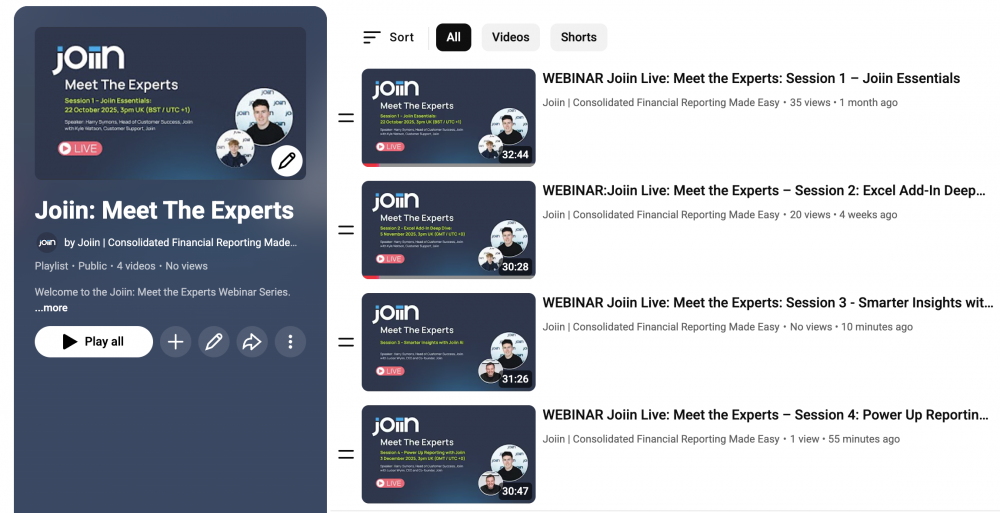
If you missed a session or want to revisit a topic, you can watch the full series on the Joiin YouTube channel below.